|

Spaces home  cobs
Photos
Profile
Friends
cobs
Photos
Profile
Friends
|
 Tools Tools 


|
|
dynamicLoader - called for north Dynamic Loader: 0, loading gadget: HomeTopCustomTextBox... loadGadget: Loading HomeTopCustomTextBox Cobs' Windows Live Spaces Dev BlogDynamic Loader: 0, loaded. |
||||||||||||||||||||||||||||||||||||||||||||||||||||||||||||||||||||
|
dynamicLoader - called for west Dynamic Loader: 0, loading gadget: HomeLeftProfileInfoFull... loadGadget: Loading HomeLeftProfileInfoFull
|
Dynamic Loader: 0, loaded. Dynamic Loader: 1, loading gadget: HomeLeftFriendsList... loadGadget: Loading HomeLeftFriendsList
Dynamic Loader: 1, loaded. Dynamic Loader: 2, loading gadget: HomeLeftXboxGamerCard... loadGadget: Loading HomeLeftXboxGamerCard
Dynamic Loader: 2, loaded. Dynamic Loader: 3, loading gadget: HomeLeftMusicList... loadGadget: Loading HomeLeftMusicList
Dynamic Loader: 3, loaded. |
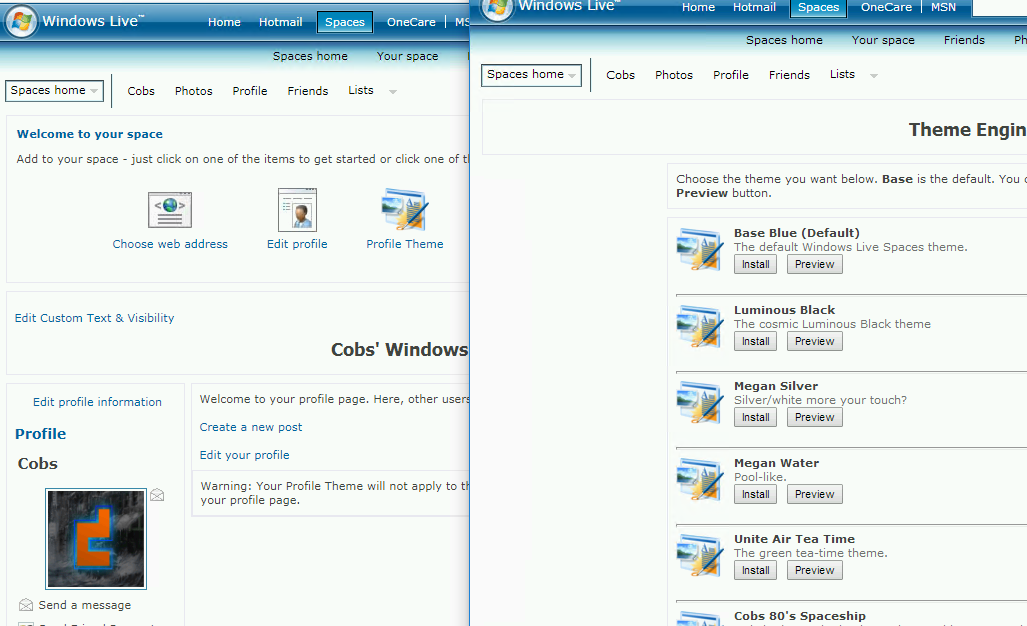
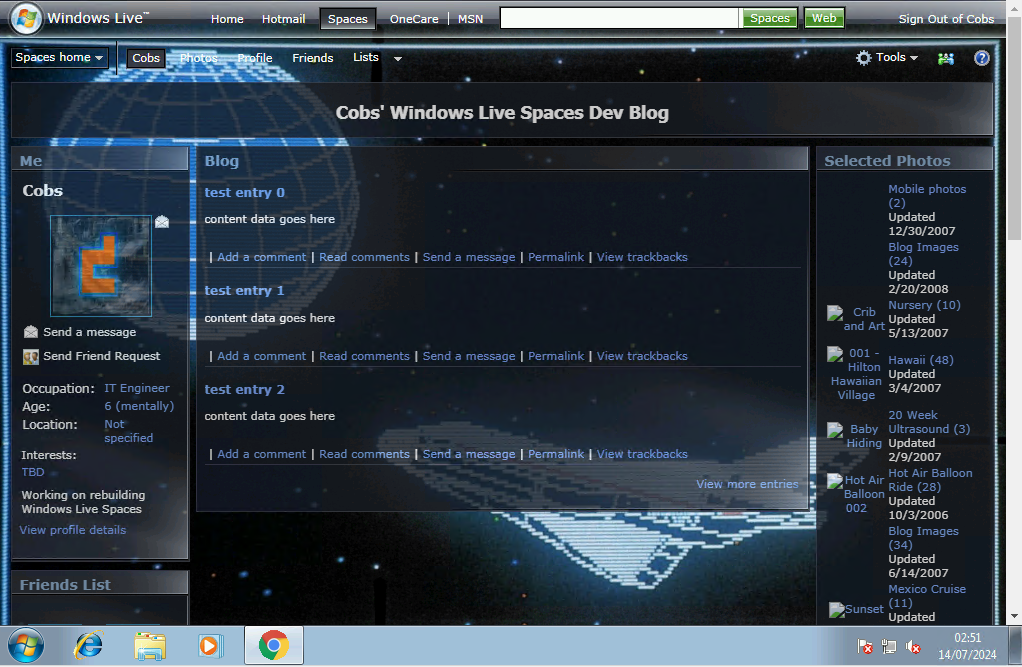
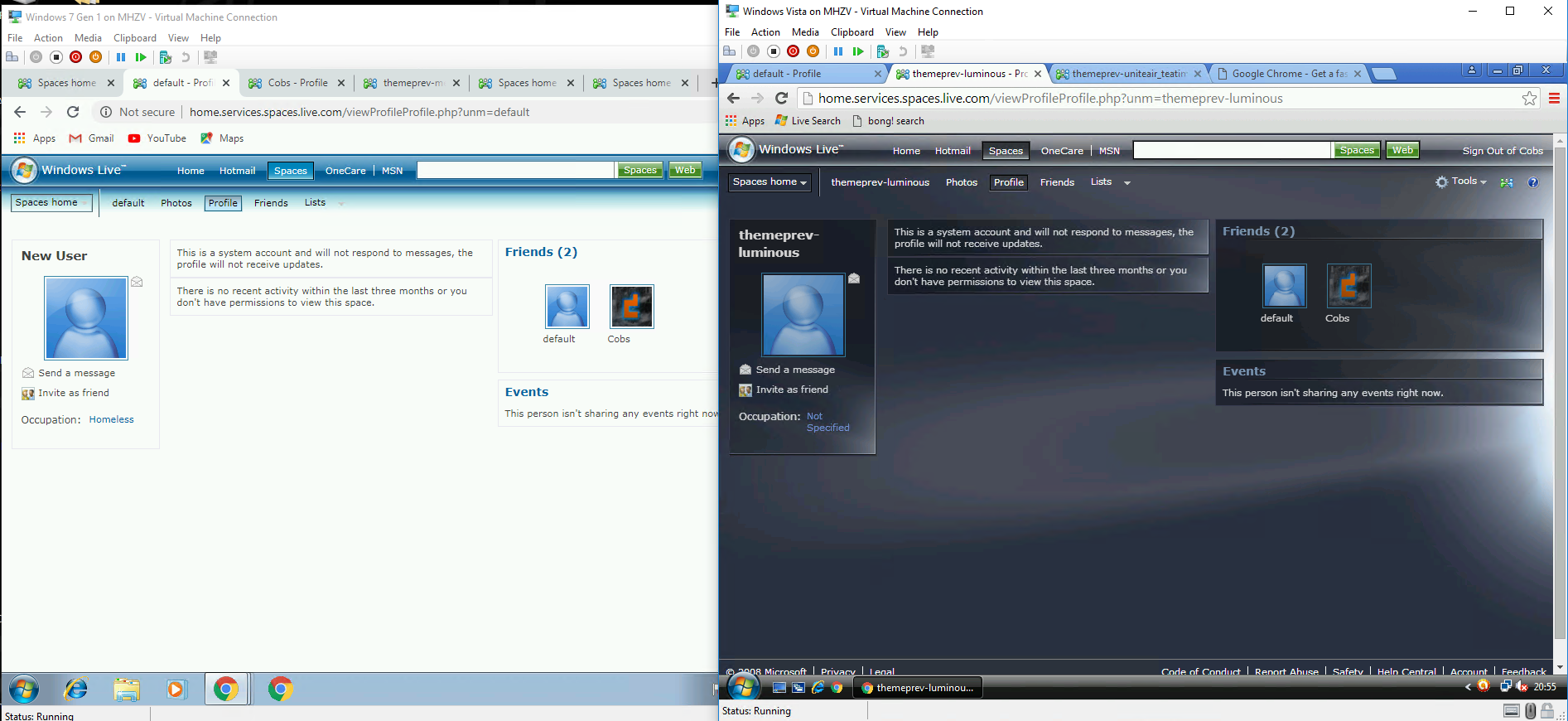
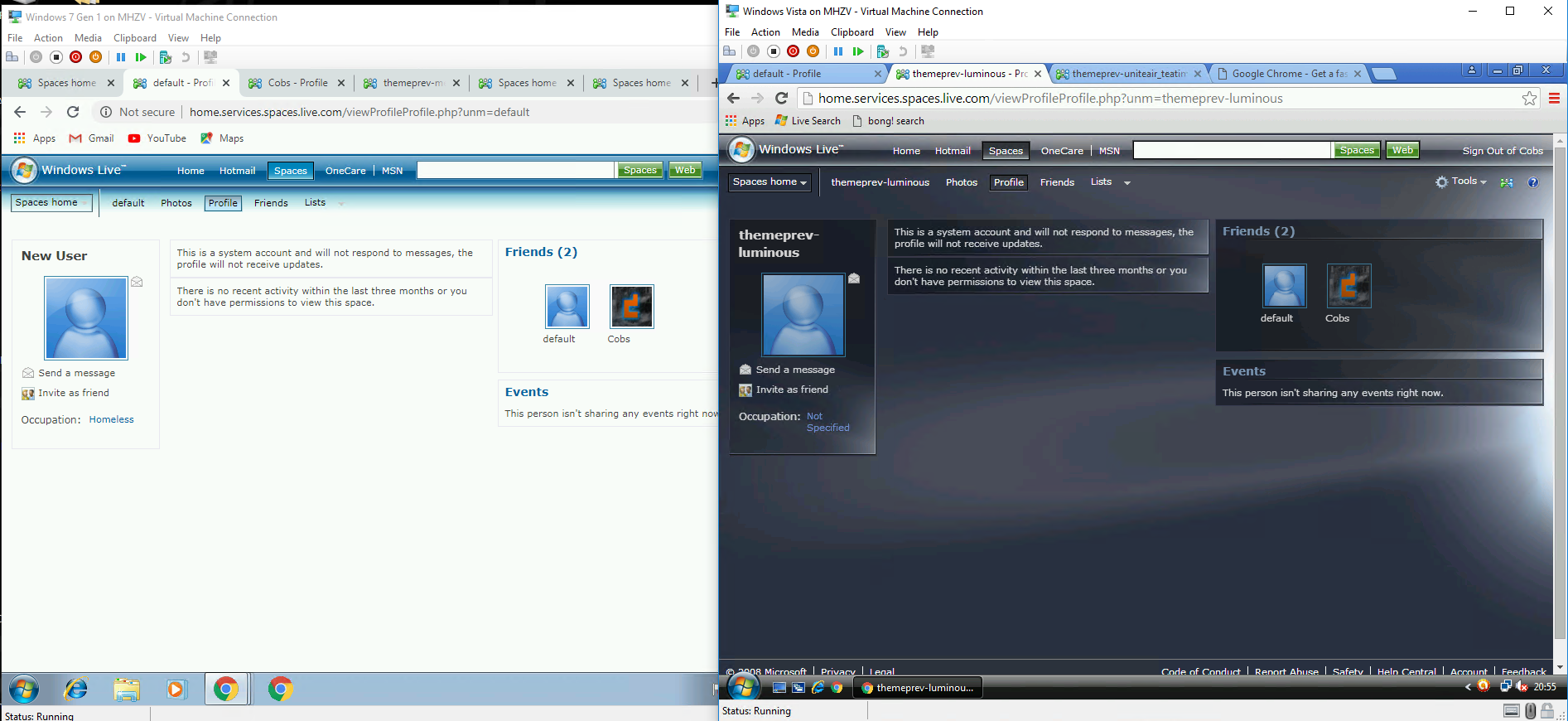
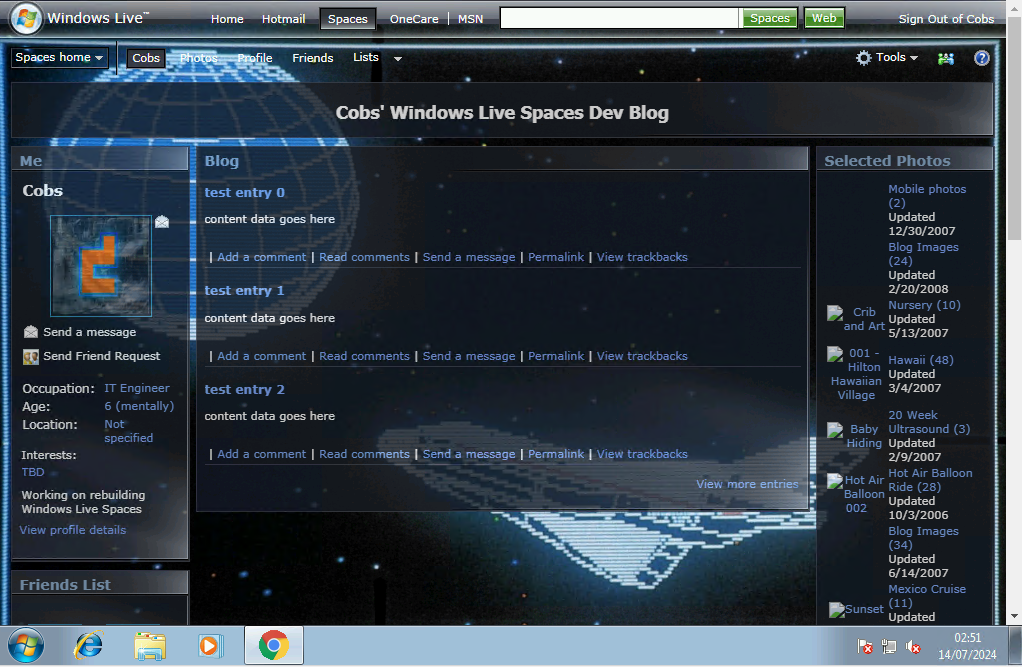
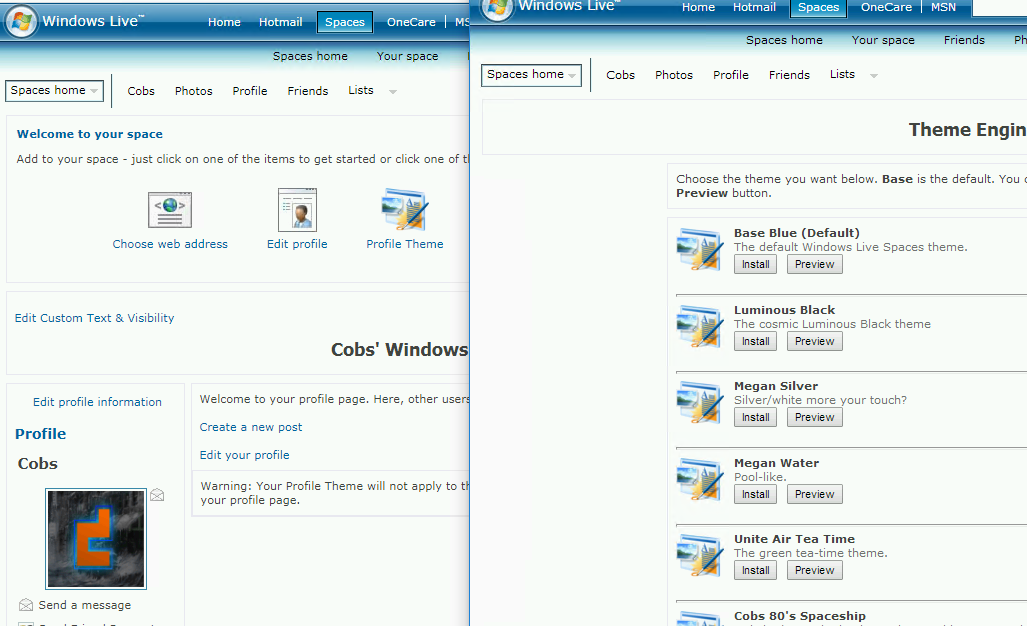
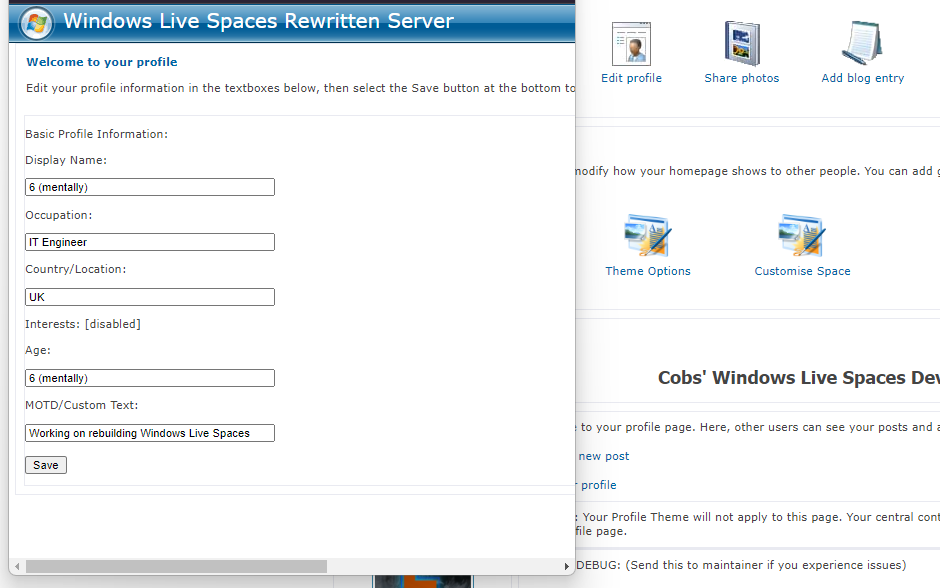
dynamicLoader - called for central Dynamic Loader: 0, loading gadget: HomeTopMicroControls... loadGadget: Loading HomeTopMicroControls Dynamic Loader: 0, loaded. Dynamic Loader: 1, loading gadget: HomeCentralBlog... loadGadget: Loading HomeCentralBlog I just bought an ex-microsoft domain.Never thought I'd be writing this but hey here we are. The theme list...So I managed to get a full list of the themes that archive.org has stored away. They're not all complete sadly, some are missing a few resources which I have from other themes, some are missing everything (such as distinct backgrounds). Fixing ThemesSince a bunch of themes were broken from when I moved it from CobsNET to standalone, I've had to recreate a bunch of them again. More updates to Manage My SpaceOK so we're pretty close to the theme engine now, a lot more work needs going in to finish it and it was tiring me out a bit. DYNAMICALLY LOAD EVERYTHING Everything you now see is dynamically loaded. Code Cleanup takes time...Today I spent many many hours cleaning up code....like many. Unfortunately when you save pages from archive.org or export HTML elements from chrome, they're not formatted properly....this results in a huge ginormous block of text. Live Themes!I think you should checkout testaccount's page. I've been playing with the themes and found out GIFs work really well as the backgrounds. Sure they have big file sizes buuuuuuuttt I think the results are worth it. Blog editing no longer wipes your blog title!I did a whoopsie and forget to make it so that when you choose to edit a post, it would show the blog title....because I forgot that, any time you went to edit a blog post, it's title would get reset. I've fixed it now....that could've been a bit of a disaster. Wait, this post was made after the one above? How does that work?Aha, so you spotted it! Profile Micro Controls!So I seen this on a few peoples pages on archive.org, they had like microcontrols at the top of their page. Whoops!Accidentally rolled the database back a few days whilst copying things (the wrong way) by accident. Luckily it was only a few dev blogs....oops! Day 8? I'll be honest i've forgot what day it is now. Photo Albums!You can now create photo albums and view other peoples photos! Day 7? I thinkIt's something like day 7, maybe day 8. Had many IBS attacks yesterday and wasn't able to complete any work on spaces at all. Just one of those things I live with and champion on. Today was better. Added debug page to the My Space for some technical stuff. Mainly to check how gadgets are loading and verify authentication. Going to need to create an interceptor to prevent unauthorised people accessing this site. Don't want any DMCA trouble and definitely don't want this being exploited. Some people just don't enjoy fun and wanna atch the world burn. Made the photos page today, it was interesting as it doesn't use the three-column standard design so had to fiddle with it for an hour to get it working. Need to rejig the photos system as this currently won't support the albums that the photos page will use. Things that need doing still: Friends system Search Better Theme Engine Custom profile layouts and controls Fix photos tab on right of profile Code cleanup Organising the files (108 in root directory at present) Fix the blog bug that causes the create new post not to show on your own page Create photo upload system Create Friends page when viewing your own or someone elses profile Fix duplicated icons on some pages Create Guestbook Create Comments page Create dedicated View Blog Post page to show comments Not sure what trackbacks are...guess some looking into to do. Secret themes and a code entry page maybe? Debated the idea of badges...not sure if that would be controversial though. Potential Ideas for tomorrowMaybe replace the button that takes you to the community with a messenger button, have a small messenger like window popout on the side, maybe this is an additional button? Need to fix a new problem where when a user is on their own page, the option for them to create a post or event at the top is missing. Central gadget ideas: Video embed / youtube Photo showcase Gallery showcase/album Left/right MOTD gadget custom text gadget (perhaps with themes like terminal? maybe this is an addition to theme engine?) hmmmm......gn Day 6It's wednesday, half way through the week. I've been spending some evenings working on this still. Mostly code cleanup and trying to arrange things as the main folder for the server is a MESS. Lots of resources referencing the root and whatnot need changing. Theme engine still needs sorting. Created legal disclaimer under /about.html and shows when pushing the (?) Help icon. Started work on the search bar at the very top. Found a bug where if you search for a term and then push search again, it'll 404 as it passes \&q= instead of \?q= which is technically referencing the document "&q=XXX" and not \(index document)?q=. That q= bit is the query that needs to be processed back end. Recreated search.php so the search page will now load. There was just one element I could reference which was the box prompting for a search query. Everything else I'm going to have to design and write. Could've made it a gadget but considering it'll only ever get used once on that page there's kinda no point. Right now in the index file, VS Code thinks there's 327 problems... I got some figuring out to do. Debating making it so that when you push login it pops open a new window to complete the login but then that will need javascript to be waiting which won't work well. IE8 doesn't work with this project at all which is interesting, seems it doesn't like local references, i.e. if you're on the page index.html and reference the object "image.png", it'll expect it to be at http://image.png and not http(s)://{url}/{currentdoclocation}/image.png. I was going to look at rewriting this to work as an individual server that doesn't require home.services.spaces.live.com and a bunch of other domains on CobsNET but I think I'm going to hold off until I'm further into the project as I'm not sure how much is going to break if I try to change it now. Was also thinking about theme engine....it'll need URL's for custom themes UNLESS I make it so that users upload the needed files to a specific album in the Photos section and then create a picker to select which is which. the rest of the CSS for colours and fades might be interesting though. Day 5 - Bug Fixes and more ThemesSo I dug up some more themes and started reverse engineering them to make them work again. LeBron_Graffiti looks pretty cool imo. THere's a few more being worked on: megan_lightgray, megan_plainblue, personalSpaceDkBlue, PersonalSpaceRed, RLMMoon, UniteAir_Bamboo (also looks kinda cool) and uniteair_business. Rest of the time was mostly minor bug fixes and some work to fix thigns with theme engine. It's mostly static ATM so I need to rewrite it to use the themes folder and scan that to find the requested theme rather than relying on static theme names in the file. I also made the community page again, some images are still missing because of dodgyt javascript which i'm still working on. The gadgets also need recreating for it still. Plenty more to do I guess. Day 4 of the rebuild - Blog Editor and (more) themes?So this is for Sunday, it's now the 15th at almost half past midnight. The first blog entry from the new editor.The editor isn't much, but if you can see this, it means it's working! Let's go! Finally some functionality. I mean uh Gadgets.It's 3am the next day (14th) now. Quite tired but figured I'd make this anyways. Day 2 - Themes Come First.So it's day 2. I've collected a boat load of data on various parts of the site. The main homepage is reconstructed. Day 1 - High Hopes & AmbitionsToday I found out I was on-call with work and that realistically means I can't do much over the weekend.
Dynamic Loader: 1, loaded. |
dynamicLoader - called for east Dynamic Loader: 0, loading gadget: HomeRightPhotosList... loadGadget: Loading HomeRightPhotosList
Dynamic Loader: 0, loaded. Dynamic Loader: 1, loading gadget: HomeRightGuestBook... loadGadget: Loading HomeRightGuestBook Dynamic Loader: 1, loaded. Dynamic Loader: 2, loading gadget: HomeRightLinks... loadGadget: Loading HomeRightLinks Dynamic Loader: 2, loaded. |
|||||||||||||||||||||||||||||||||||||||||||||||||||||||||||||||||

 Send a message
 Send Friend Request




 Profile
 Blog
Blog Photos
 Lists
Lists Friends
 Music
Music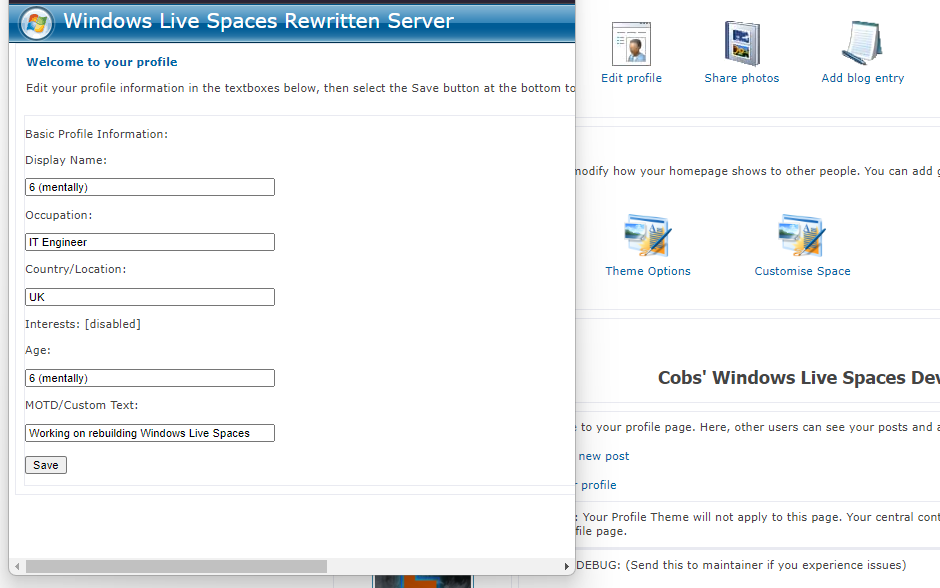




|
|
